
Dig In: a food feed that's just food
Real plates. Real recipes. Dinner, sorted.
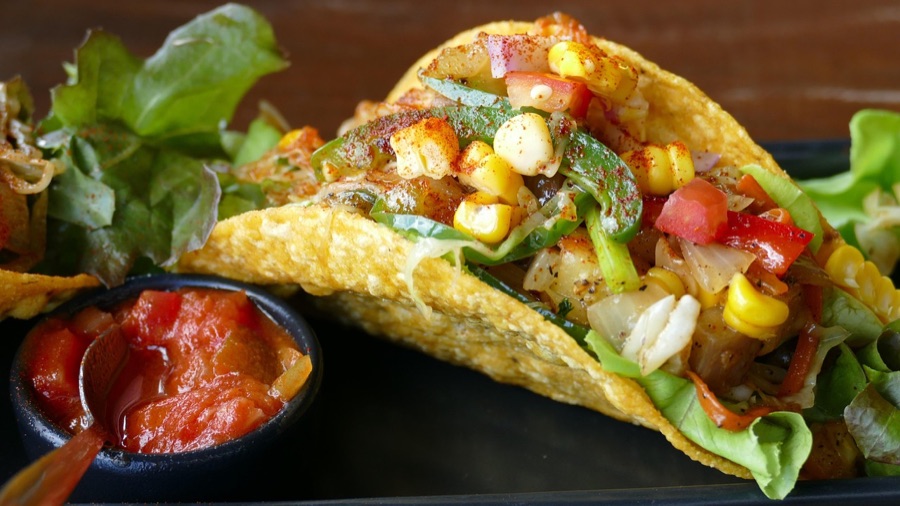
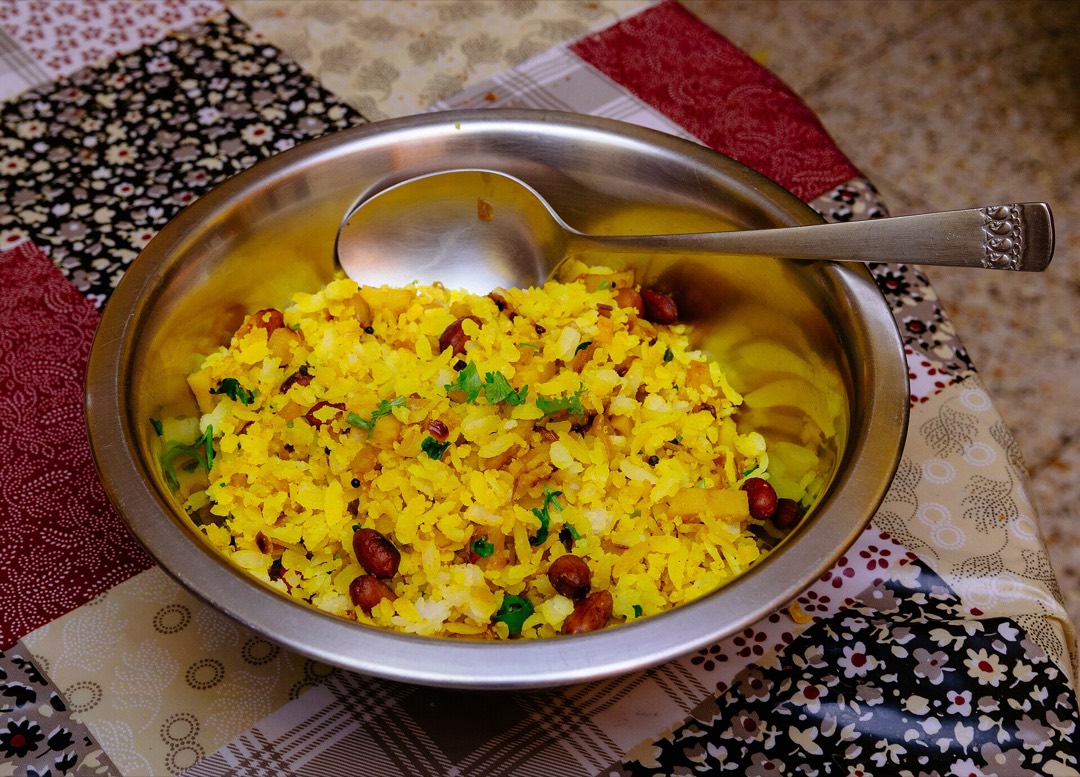
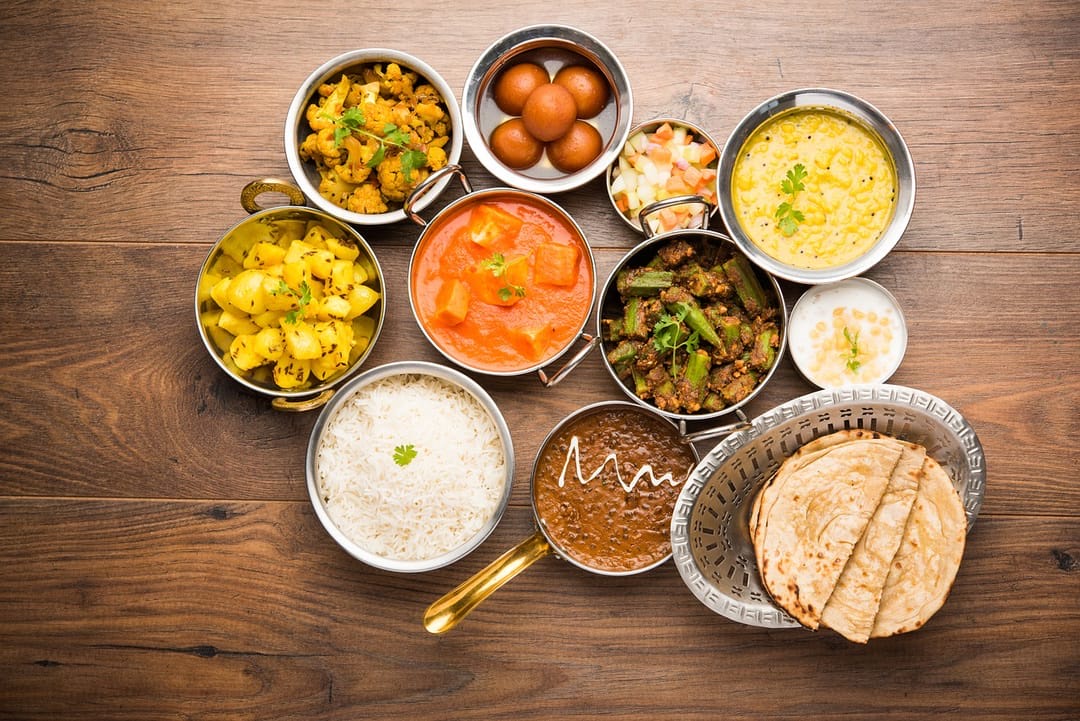
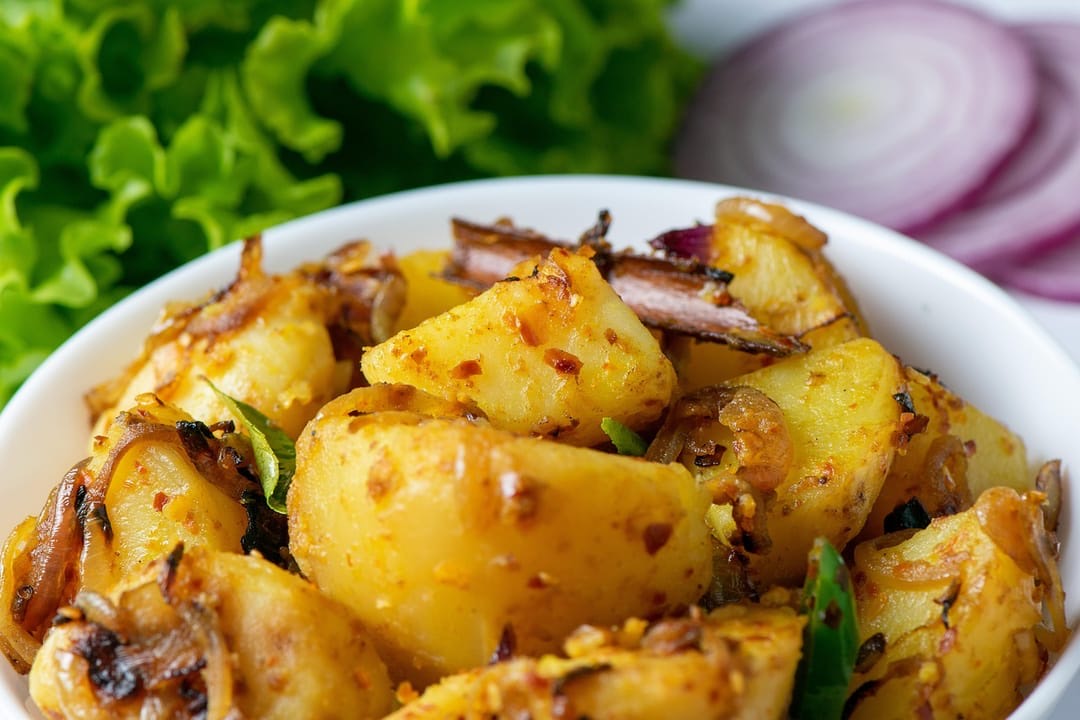
My phone is full of food photos. Not pretty ones. A Tuesday dal, a slightly burnt grilled cheese, tacos that disappeared in five minutes. They sit in my camera roll and nobody sees them, which is a shame, because they are the most useful food photos there are: real meals, cooked by real people, on a normal day.
Most food feeds are the opposite. Perfect light, perfect bowls, and somewhere in the middle a workout video, a selfie and an ad. I wanted a feed where every post is a plate you could actually cook tonight. That's Dig In.
What Dig In is
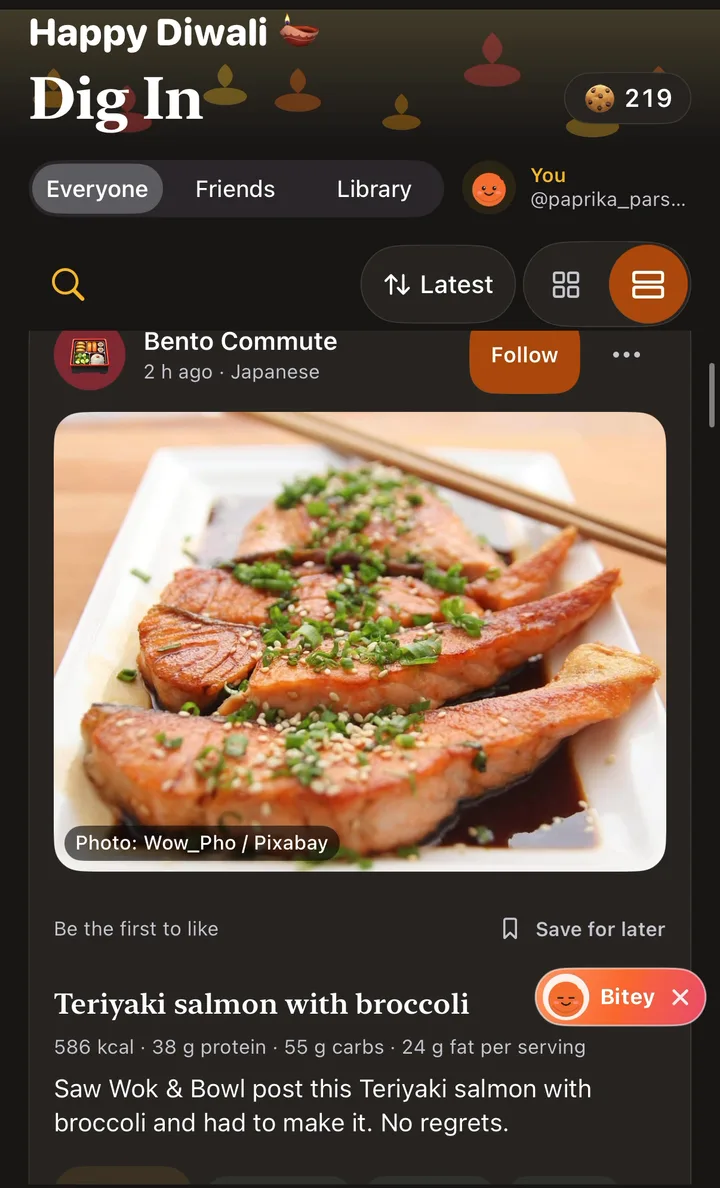
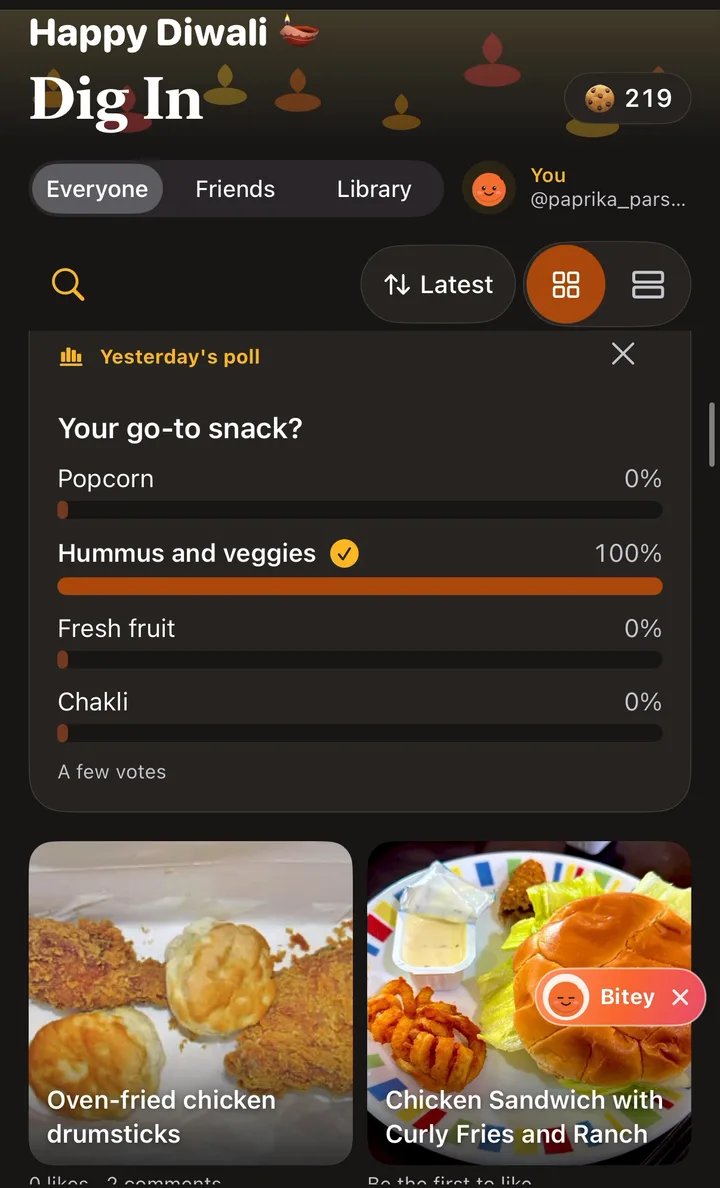
Dig In is Biteshot's food feed. Open it and you see dishes: a photo, the name, a line from the cook, and often the recipe. You can scroll it as a list, or switch to a grid when you just want to look at food.
- Everyone shows dishes from the whole community. The filter icon beside the sort switches to Friends or Following.
- Friends and Following show only the people you follow.
- Library has short reads, videos and podcasts about food and cooking, in your language.
Share a plate in a few seconds
Snap your meal the way you already do in Biteshot, then tap + and choose Share your plate. The dish name is optional (Biteshot suggests one from the photo), and so is everything else: a line about it, where you had it, and your recipe if you feel like it. If you add a recipe, it becomes the first comment, pinned to the top, so people don't have to ask.
Your calories stay private unless you choose to show them. And if you use gentle mode or hide numbers, you won't see anyone's calories either.
New: made a typo, or forgot the recipe? Tap ⋯ on your post and choose Edit post to change the name, the words or the recipe. Your reactions and comments stay.
React, save, cook
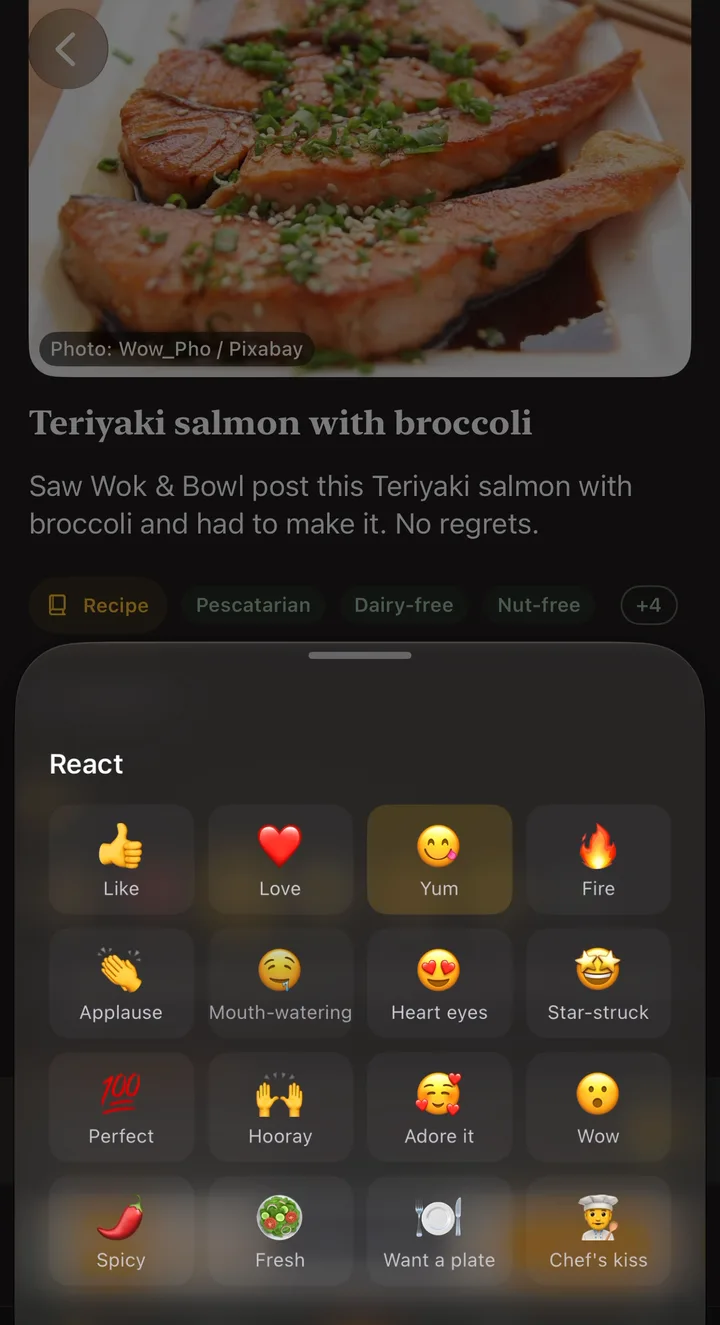
Press and hold any dish to react. 😋 Yum comes first, because that's usually the point, and there are more if a dish deserves a 🔥. From the same menu you can save its recipe straight to your Saved recipes.
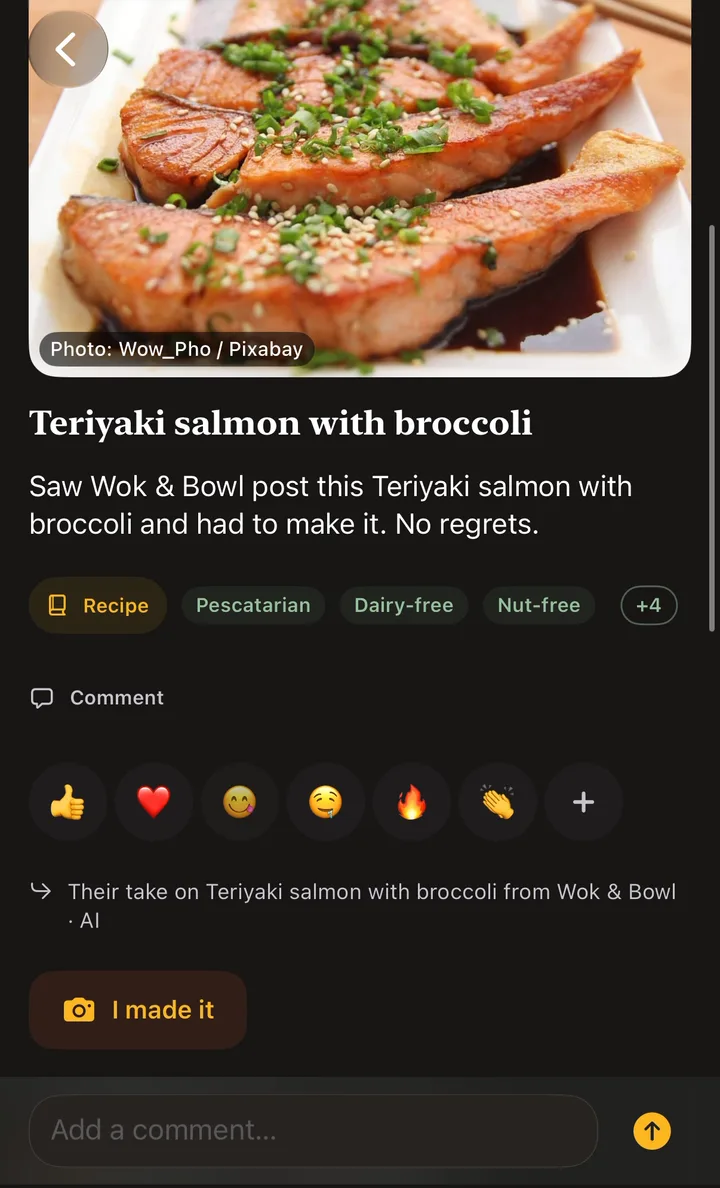
When you cook something you found there, tap I made it and share your version. The original cook gets the credit, and you'll often find your plate looks nothing like theirs. That's the fun part.
Every week there's also a Dish of the week and a monthly food challenge, if you like a nudge to try something new.
A feed that respects how you eat
This is the part I care about most. If you've told Biteshot you're vegetarian, or allergic to peanuts, Dig In takes that seriously. Dishes are tagged from their ingredients and checked by Biteshot, not just by what someone typed. If a dish may not suit you, it carries a clear warning, like "Contains dairy" or "Ingredients still being checked". And Biteshot won't let you save or plan a recipe with one of your allergens.
It still makes mistakes, so always check the ingredients yourself. But the rule is clear: when in doubt, we tell you.
Just food, and honest about it
Only food goes on Dig In. Every photo is checked when it's posted; selfies, pets and screenshots are taken down, and anyone can report a post.
While the community grows, you'll also see a few AI food personas sharing real recipes with real, credited photos. They're always labelled ✦ AI persona, real people's plates always come first, and you can read exactly how they work in Real plates, AI personas.
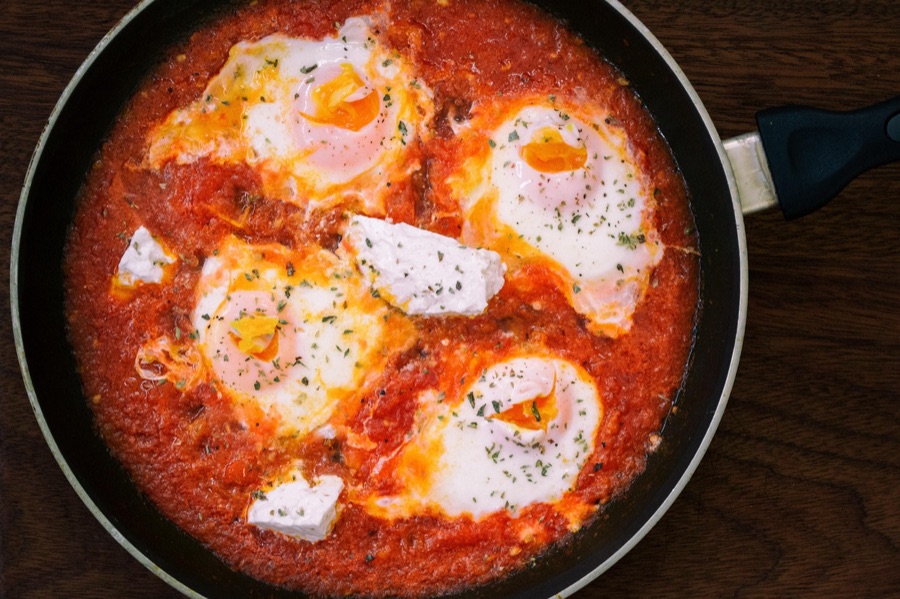
Why I built it
Most of what I cook, I learned from someone else's plate: a friend's lunchbox, a neighbour's festival sweets, a family recipe nobody wrote down. Recipes travel through people, not through perfect photos.
Dig In is my attempt to bring that back into a phone. Less performance, more "ooh, what is that, and how do I make it?" If one dish you see there ends up on your table this week, it worked.
What's next
More ways to cook together: sharing recipes straight with friends, and a few ideas for groups and families. If there's something you wish Dig In did, tell me in the comments.
— Ani, founder of Biteshot
Comments
Loading comments…